

Getting your restaurant found on Google
When someone nearby searches for dinner, Google decides who they see. Here is what you control, in plain steps: your Business Profile, your website and your reviews.
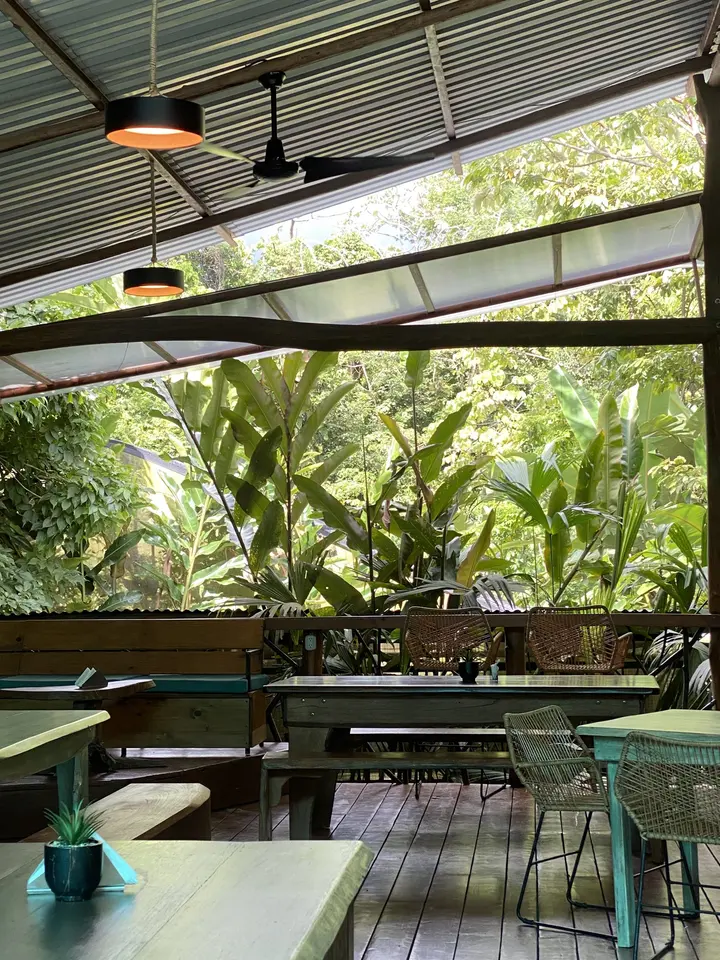
Most people looking for a place to eat start with a search: "tacos near me", "best pho", or the name of a place a friend mentioned. What they find in those first few results decides where they go. You can't buy your way to the top of the map, but there is a lot you can do to make sure Google understands your restaurant and shows it to the right people.
Start with your Google Business Profile
Your Business Profile is the box with your hours, photos, reviews and the map pin that shows up when people search for you. It is free, and it is the single most important thing to get right.
- Claim and verify it. Go to Google's Business Profile site and search for your restaurant. If a profile already exists, ask to manage it. Google will verify that you run the business, sometimes by phone, email, video or mail.
- Choose the right category. Pick the most specific primary category that fits, such as "Thai restaurant" rather than just "Restaurant". You can add a few secondary categories for things like catering.
- Fill in everything. Your exact address, phone number, website, menu link, ordering link and a short description in your own words.
- Keep hours right, especially holidays. Add special hours for holidays and closures. Few things lose a guest faster than a closed door during "open" hours.
- Add real photos. Your dishes, your room, your sign out front so people recognize it from the street. Add new ones every few weeks.
Make your website easy for Google to read
Google reads your website to understand what you serve and where you are. A few basics make a real difference.
- Put your name, address, phone number and hours on the site as text, not only inside an image or a PDF. Use exactly the same name, address and phone number everywhere: your site, your Business Profile, Facebook, Yelp and the delivery apps.
- Put your menu on the page as text. A photo of a paper menu or a PDF can't be read the same way. When each dish is written out, your site can show up for searches for those dishes.
- Say what and where. Your home page title and first lines should say what you are and where, in normal words: "Baan Saeng, a Northern Thai restaurant in Portland."
- Be fast and work on phones. Most food searches happen on phones, often on a weak signal. Big, slow pages lose people before they load.
- Add structured data. This is a hidden label that tells search engines, in their own format, that the page is a restaurant with this address, these hours and this menu. Good restaurant website builders add it for you.
- Tell Google your site exists. Google Search Console is a free tool where you can confirm you own your site and submit its sitemap, so new pages get noticed.
Reviews: ask, answer, never buy
Reviews help guests decide, and how you handle them is public.
- Ask happy guests. The simplest way is to ask in person, or put a small card or a code on the receipt that links to your review page. Ask everyone, not just the people you think will be kind.
- Never pay for reviews or offer a discount in exchange for one. Google's rules don't allow incentives for reviews, and fake or bought reviews can get removed or get your profile penalized.
- Answer reviews, good and bad. Thank people by name. For a bad review, stay calm, apologize for the experience, and invite them to contact you directly. Future guests read your answers as much as the complaint.
Keep it fresh
Google and guests both prefer a place that looks alive.
- Post your specials, events and new dishes on your Business Profile and your website.
- Update photos when the menu changes.
- Check your listing once a month: hours, phone, links and whether anyone suggested an edit to your information.
A short checklist
- Business Profile claimed, verified and complete
- Correct category, hours and holiday hours
- Same name, address and phone number everywhere
- Menu written out as text on your website
- Website fast on a phone, with your website link on the profile
- A simple way to ask every guest for a review
- Replies to recent reviews
Crush Website sites include the structured data, a sitemap and a page for every dish, and the back office's Google screen checks the basics on this list for you.