
How to photograph your dishes with a phone
You don't need a photographer or a fancy camera. You need a window, a clean plate and ten minutes before service. A practical guide for busy kitchens.
Guests eat with their eyes first, and most of them meet your food on a phone screen. The good news: the phone in your pocket is more than enough camera. What makes a food photo work is light, angle and a little care, not equipment.
Find the light
Light matters more than anything else.
- Shoot near a window. Soft daylight from the side makes food look like food. Set the plate on a table a step or two from the window.
- Turn the flash off. Flash flattens food and makes sauces shine like plastic.
- Avoid mixed light. Daylight plus yellow ceiling lights gives you strange colors. If you can, switch off the lights overhead and use only the window.
- Too harsh? Direct sun makes hard shadows. Hang a thin white napkin or a sheet of baking paper over the window, or move the plate back a little.
- No window? Shoot during the brightest part of the day near the door, or bounce a lamp off a white wall instead of pointing it at the plate.
Pick the right angle for the dish
Different dishes want different angles. A good habit is to take two of every dish: one from the top and one from the side.
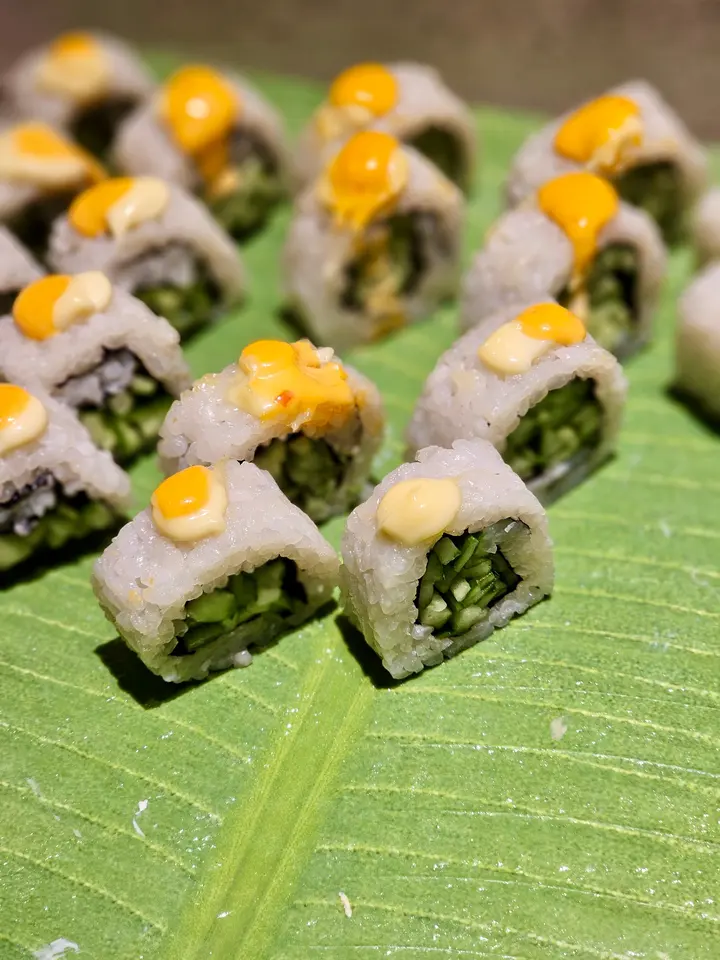
- From the top (overhead): pizza, bowls, salads, tacos laid out, platters and anything whose beauty is in the pattern on the plate. Hold the phone flat and level above the dish.
- From about 45 degrees: most plated dishes. It is roughly how a guest sees the plate when it lands in front of them.
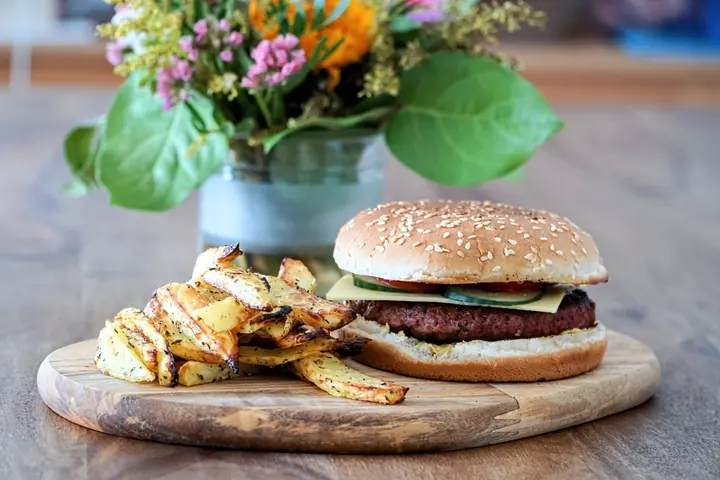
- From the side, at plate level: anything tall or layered, such as burgers, sandwiches, stacked pancakes, cakes and drinks. Get down low so you see the layers.
Make the plate ready for its close-up
- Wipe the rim. Drips and fingerprints show up more on camera than in person.
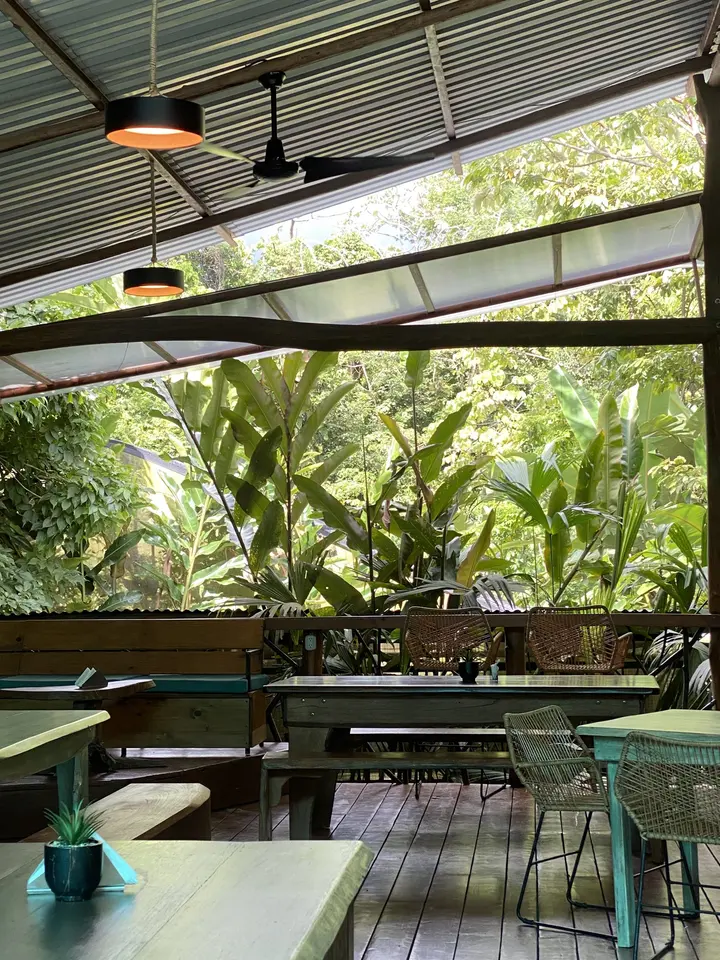
- Use a plain plate and a simple background. A wooden table or a clean countertop works. Move the ketchup bottles, napkin holders and the card machine out of the frame.
- Fill the frame. Get close enough that the dish is the hero. Leave a little space around it so it can be cropped for different sizes later.
- Shoot fast. Food changes quickly: steam disappears, cheese sets, herbs wilt and ice melts. Have the phone ready before the plate leaves the pass.
- Add life, not clutter. A fork, a hand, a pour of sauce or a torn piece of bread can make a photo feel real. One prop is plenty.
Phone settings that help
- Clean the lens. Kitchen phones live near oil and flour. A quick wipe with a soft cloth fixes a lot of hazy photos.
- Turn on the grid. Most phone cameras can show grid lines. Use them to keep the table straight and the dish where you want it.
- Tap to focus, then adjust brightness. Tap the dish on the screen. Most phones let you slide the brightness down a little, which keeps whites and sauces from blowing out.
- Don't zoom with your fingers. Pinch zoom on many phones is just cropping and makes photos soft. Step closer instead, or use the phone's built-in 2x lens if it has one.
- Take several. Shoot five or ten frames of every dish, changing the angle a little each time. Pick the best one later.
Edit lightly
A little editing helps. A lot of editing makes food look fake.
- Crop so the dish fills the frame, and straighten the table line.
- Brighten a touch if it looks dark.
- Fix the color if it looks too yellow or too blue, so whites look white.
- Stop there. Heavy filters and cranked-up saturation make guests trust the photo less.
Make them work everywhere
You will need the same photo in different shapes: square for social posts, wide for the top of your website, and the sizes delivery apps ask for. Keep the original, full-size photo, and crop copies from it rather than cropping the same file over and over.
A ten-minute routine
Before service, plate your three best-selling dishes one at a time, carry each to the window, take a top shot and a side shot, and send them to your website. Do three dishes a week and in a month your whole menu has photos.
In Crush Website, the photo editor does the cropping, brightening and delivery-app sizes for you, can remove the background behind a dish, and keeps a top-down and a side shot for every dish on your menu.